
1/3
Imefaulu
Dar es Salaam, Ilala, masaa 3 yaliyopita
6 maoni
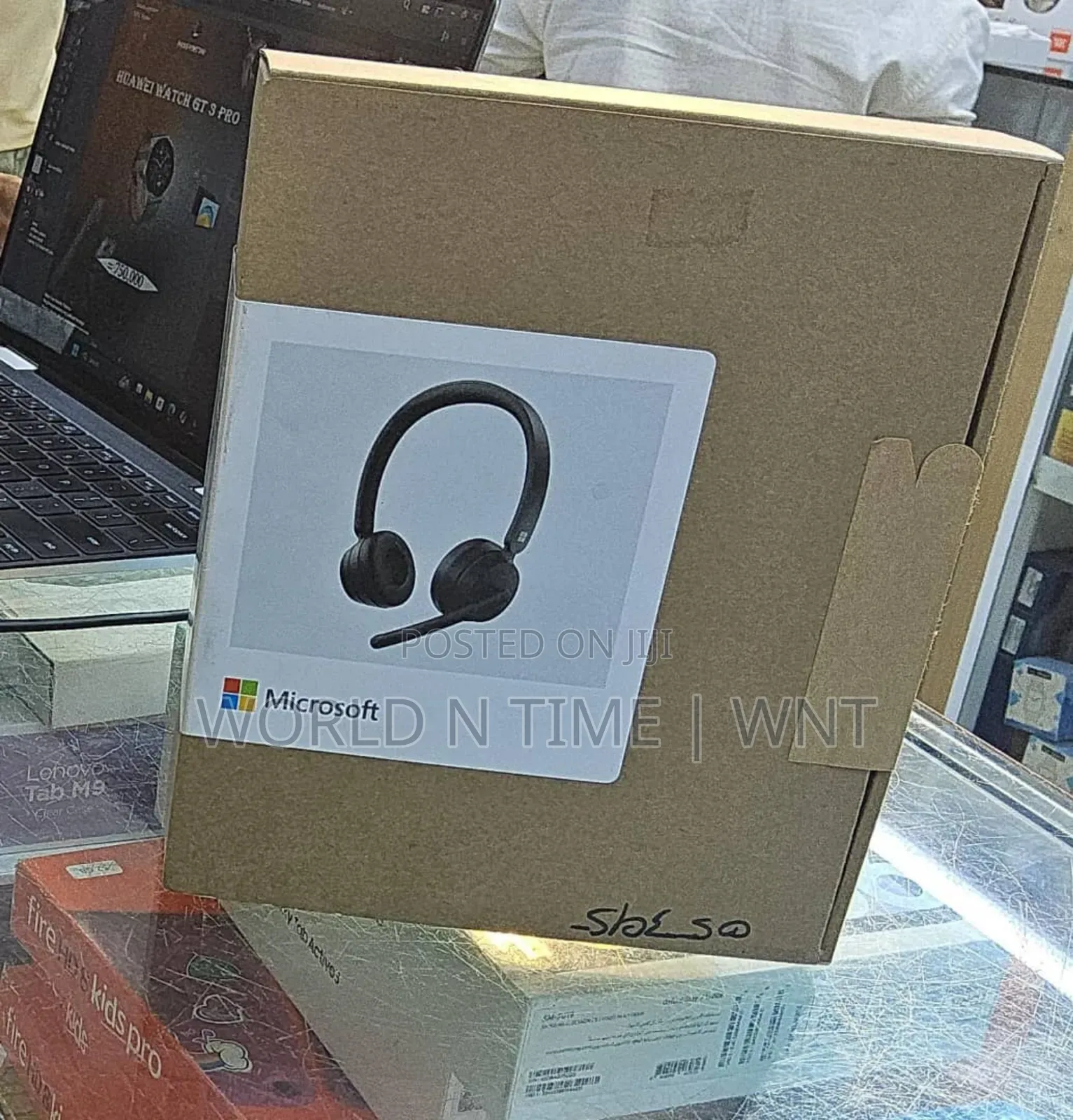
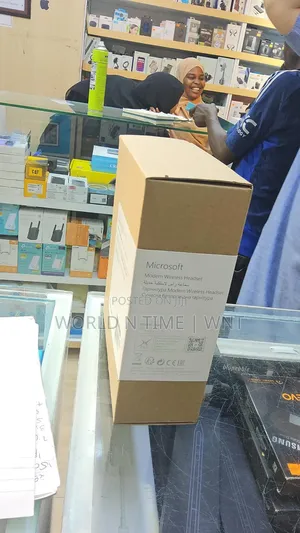
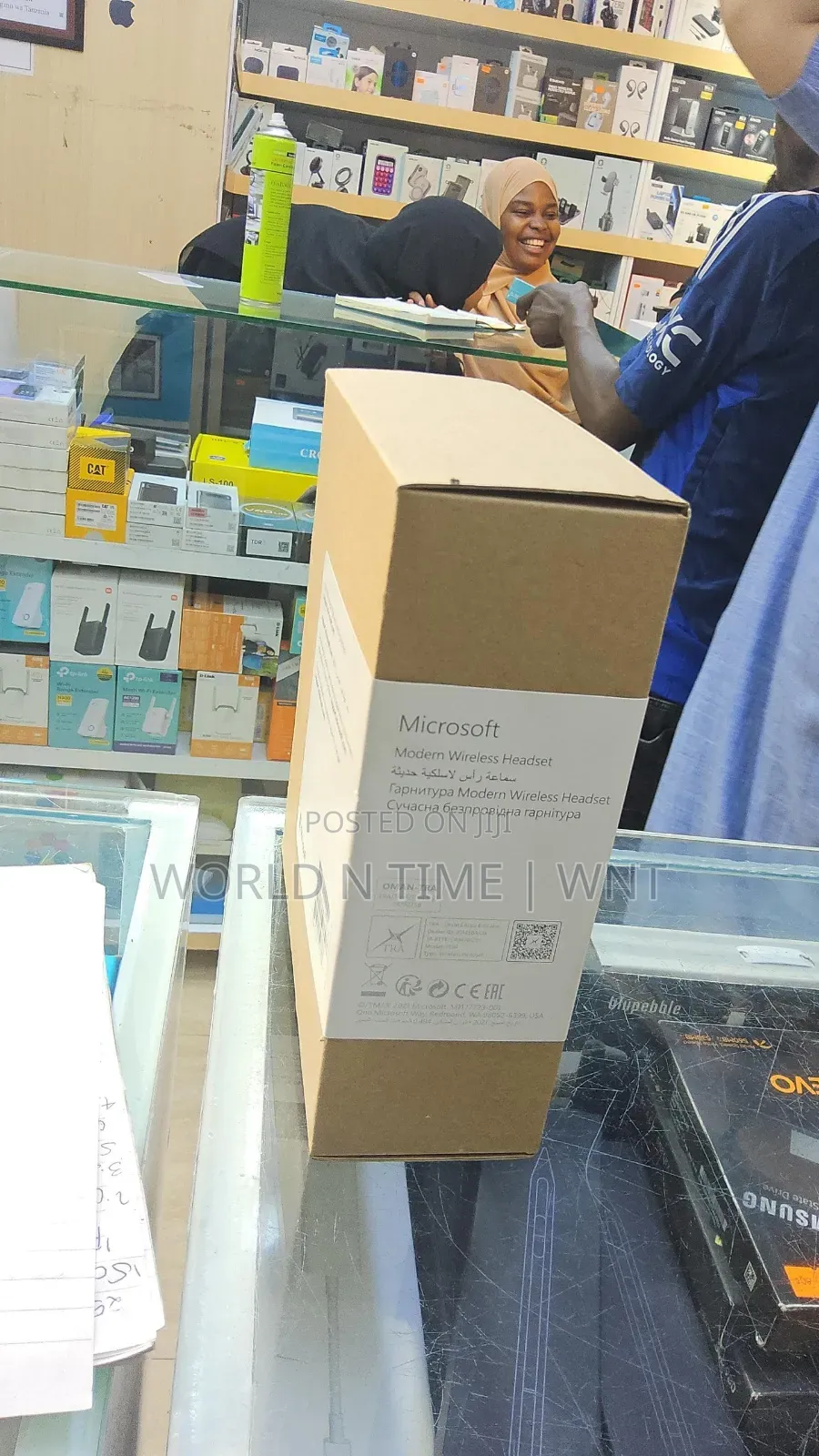
Microsoft Modern Wireless Headset in Microsoft Teams
Chapa
Modern
Mfano
Juu ya sikio
Aina
Chapa Mpya
Hali
Kichwa kichwa
Sababu ya Fomu
Bila Waya
Muunganisho
Bluetooth
Kiolesura cha Kuunganisha
Black
Rangi
Anwani ya duka
Dar es Salaam • Kinondoni
Kinondoni, Dar Es Salaam-Tanzania,
Imefungwa sasa
• Jumatatu - Jumamosi, 09:00-17:30
Dar es Salaam • Ilala
Posta/Samora
Call/WhatsApp
Imefungwa sasa
• Jumatatu - Jumapili, 09:00-17:30
Dar es Salaam • Ilala
Samora posta
Imefungwa sasa
• Jumatatu - Jumamosi, 10:30-17:30
Microsoft Modern Wireless Headset is a Certified for Microsoft Teams headset when you use it with the included Microsoft USB Link on your Windows 10/11 PC or Mac. The buttons and dial on your headset give you control of your Microsoft Teams meetings and calls right at your fingertips—all in a wireless headset with great audio quality that’s comfortable to wear. And because it’s wireless, you can stand near your Windows 10/11 PC or sit down and stay connected.
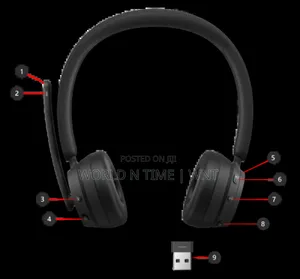
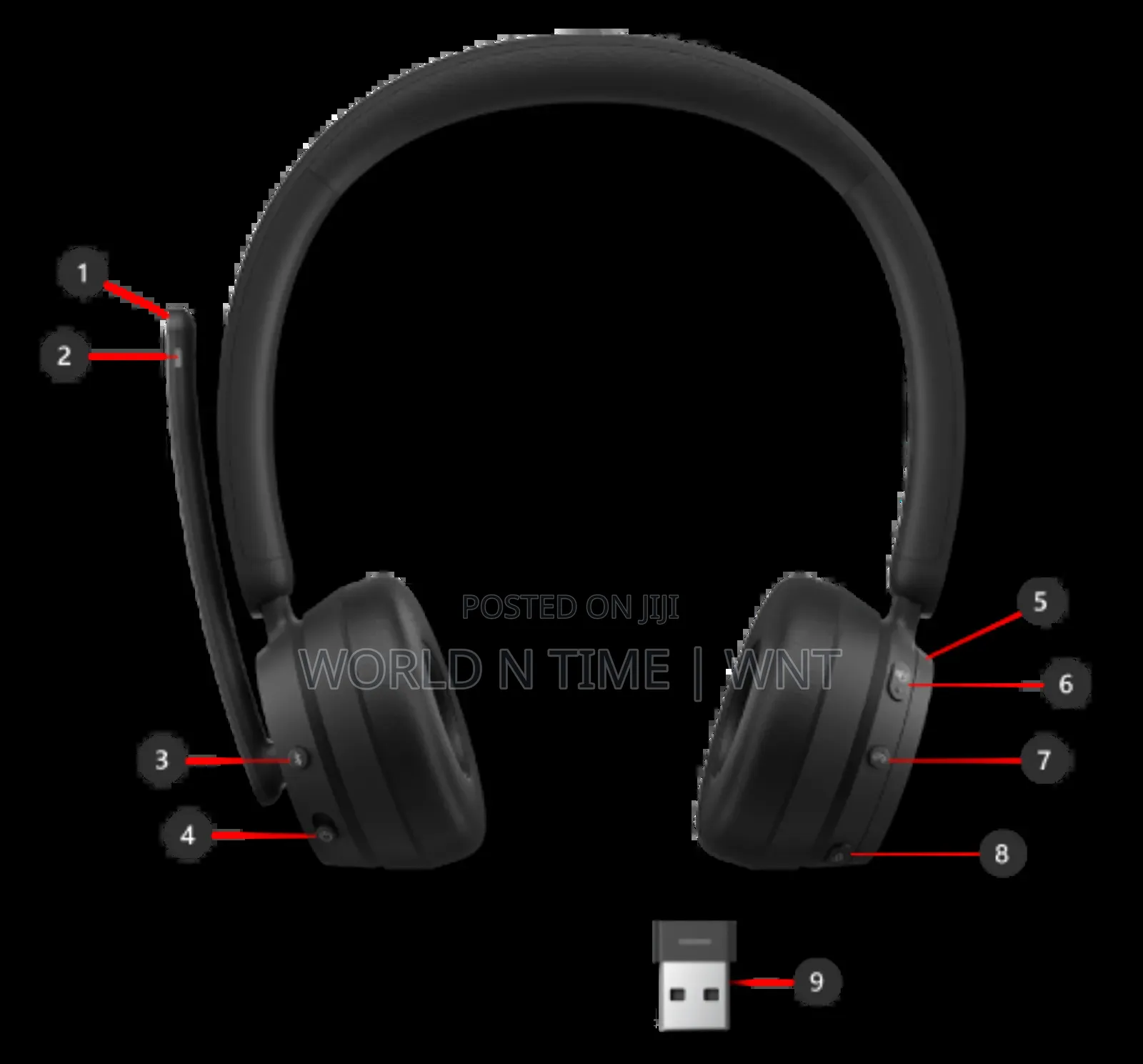
Microphone (flip up to mute)
LED light
Bluetooth pairing button
Power
Volume dial
Microsoft Teams
Answer/End call
Mute
Microsoft USB Link
-Make a call.
-Answer a call
-Decline a call.
-Join a meeting.
-Mute yourself during a call or meeting.
-Briefly talk when you're muted.
-Adjust the volume during a call or meeting.
-End a call or leave a meeting.

Vidokezo vya Usalama
- Usilipe mapema hata kama ni ada ya kusafirishiwa bidhaa
- Kutana na muuzaji mahali salama pa umma
- Kagua kipengee na uhakikishe ni nini hasa unachotaka
- Hakikisha kwamba bidhaa uliyofungiwa ni ile ambayo uliagiza
- Lipa tu ikiwa umeridhika


