
Imefaulu
Dar es Salaam, Ilala, siku 1 zilizopita
15 maoni
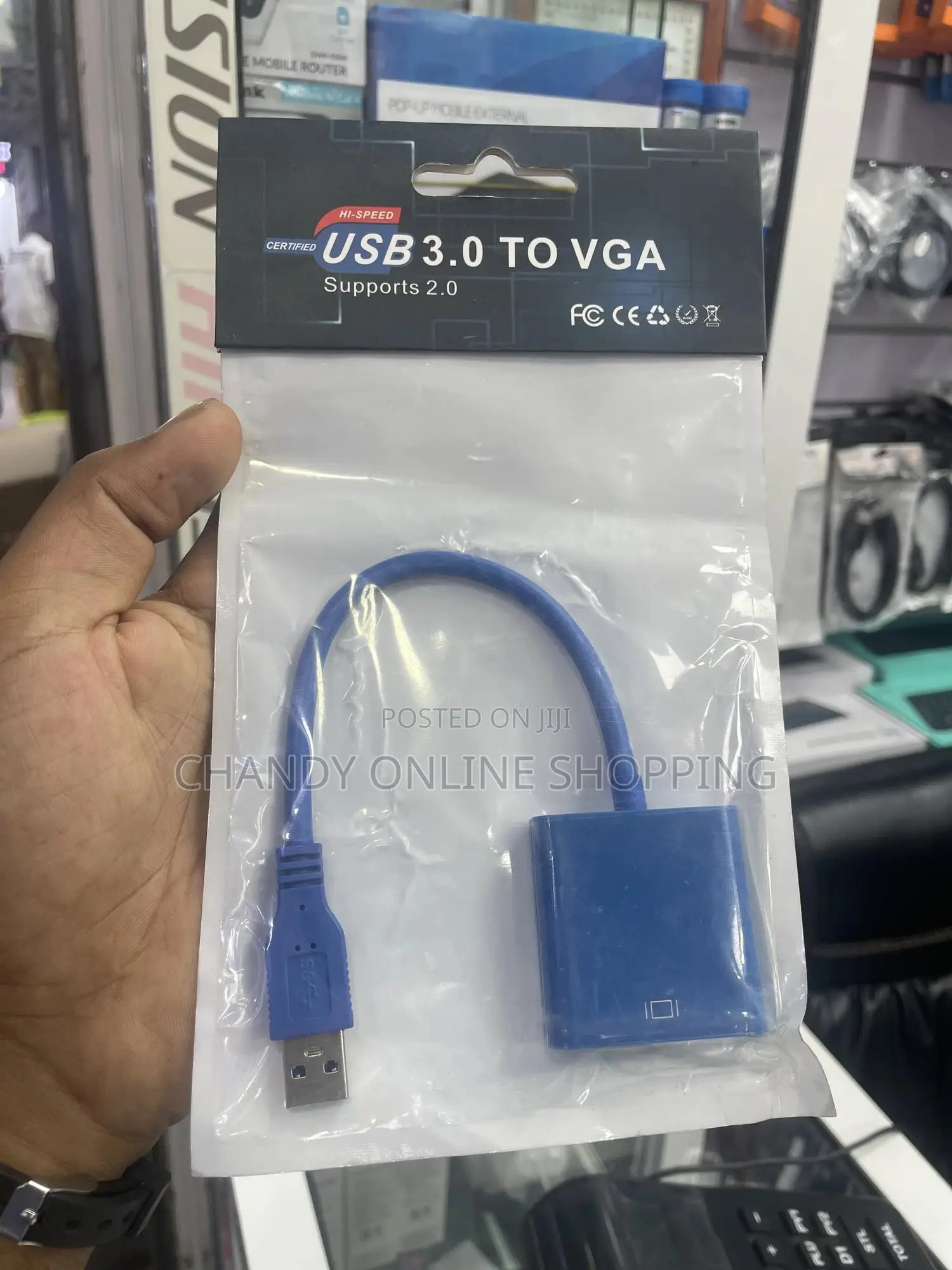
Usb 3.0 to Vga Adapter
A USB 3.0 to VGA adapter allows you to connect a computer or laptop with a USB 3.0 port to a VGA-compatible display, such as a monitor or projector. Here are the key features commonly found in these adapters:
Core Features:
1. USB 3.0 Interface
• Offers high-speed data transfer
• Backward compatible with USB 2.0
2. VGA Output
• Supports analog video signal for VGA monitors or projectors.
• Typically supports resolutions up to 1920x1080 (1080p) @ 60Hz.
3. Plug and Play (for Some Systems)
• No external power needed; powered via USB.
• Some adapters may require driver installation (especially on Windows).
4. Video Modes Supported
• Mirror Mode: Duplicate your screen.
• Extended Mode: Use a second display to extend your desktop.
5. Compatibility
• Typically works with Windows (Windows 7/8/10/11).

Vidokezo vya Usalama
- Usilipe mapema hata kama ni ada ya kusafirishiwa bidhaa
- Kutana na muuzaji mahali salama pa umma
- Kagua kipengee na uhakikishe ni nini hasa unachotaka
- Hakikisha kwamba bidhaa uliyofungiwa ni ile ambayo uliagiza
- Lipa tu ikiwa umeridhika


