
1/2
Imefaulu
Dar es Salaam, Ilala, siku 1 zilizopita
50 maoni
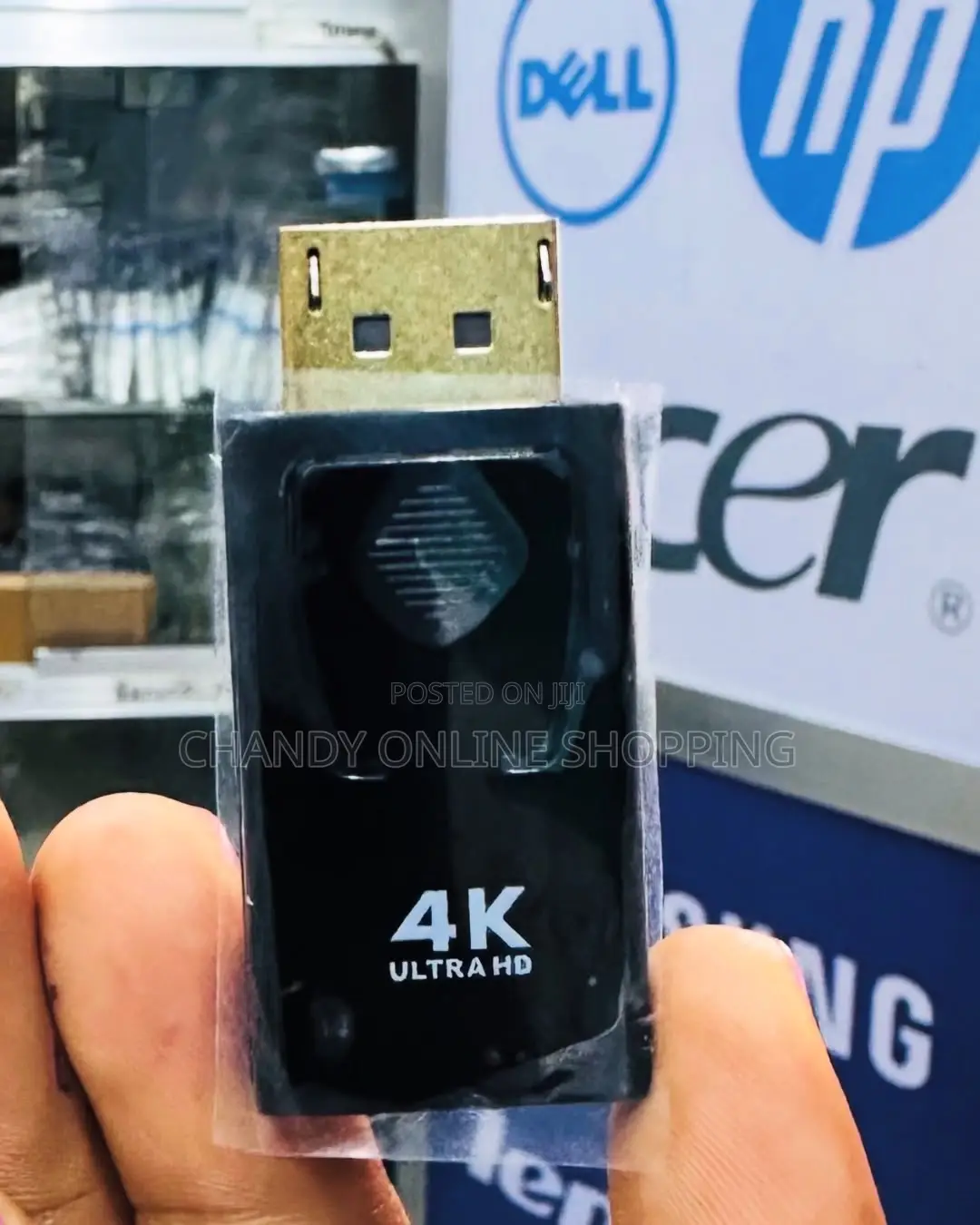
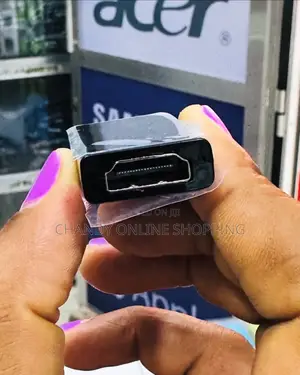
Dp ( Display Port ) to Hdmi Connector
A DP (DisplayPort) to HDMI connector allows you to connect a device with a DisplayPort output (such as a computer or laptop) to a display that has an HDMI input (like a TV or monitor).
Key things to consider:
1. Active vs. Passive Adapters:
• Active Adapter: This adapter has a built-in chip to convert the signal from DisplayPort to HDMI. It’s required for DisplayPort to HDMI conversions from devices that do not support dual-mode (DP++).
• Passive Adapter: This works only when the source device supports DisplayPort++ (dual-mode), which allows the DisplayPort signal to be converted into HDMI without extra processing. These adapters are usually cheaper but only work with compatible devices.
2. Resolution & Refresh Rate:
• Ensure the adapter supports the resolution and refresh rate you need (e.g., 1080p, 4K).

Vidokezo vya Usalama
- Usilipe mapema hata kama ni ada ya kusafirishiwa bidhaa
- Kutana na muuzaji mahali salama pa umma
- Kagua kipengee na uhakikishe ni nini hasa unachotaka
- Hakikisha kwamba bidhaa uliyofungiwa ni ile ambayo uliagiza
- Lipa tu ikiwa umeridhika


